

Starlink has changed how we live aboard more than almost any piece of gear we’ve added to the boat.
It’s quietly shifted what’s possible, giving us the opportunity to stream, video call and work from the middle of the ocean, but once the novelty of high-speed satellite internet wears off you realize the connection itself isn’t the full picture. Adding a VPN service into the mix is one of those things many of us end up needing to do.
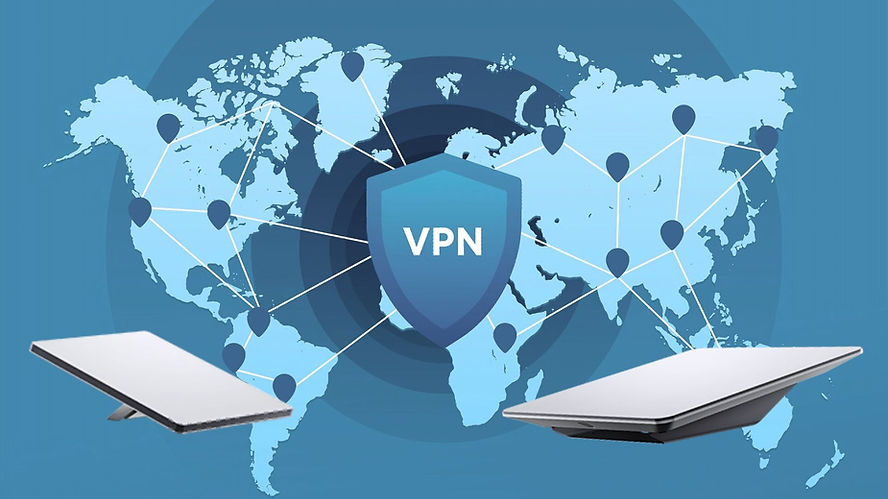
Why you need a VPN when using Starlink#
We didn’t start using a VPN because we got Starlink. We’ve actually been running NordVPN since 2017, before the boat, and even Starlink, came along. At that time we were backpacking and travelling, so having a VPN app on our phones and laptops became a habit. In 2023 we got our first Starlink, and immediately it became our primary way of getting internet access.
As full-time liveaboard cruisers, our location is fluid. We move from country to country and even continent to continent, with our next goal being to explore the Pacific Ocean. It’s an amazing life, but not one that all banks, companies and streaming services understand.
One of the biggest hurdles as you travel is how financial institutions and streaming services view your internet connection, and that doesn’t change when you’re using satellite internet providers.
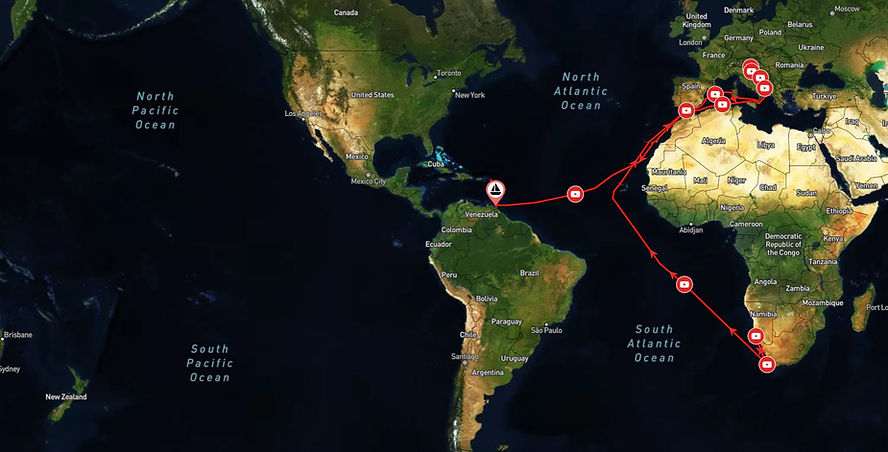
Starlink uses Carrier-Grade NAT (CGNAT) on most plans, which means users share public IP addresses, and your apparent location is tied to the ground station you’re connecting to, not your exact location. Despite being in the Caribbean, our connection could read as being in the United States, since was the ground station the dish was connecting too. This caused me issues with some of the companies I work with, who questioned why I was working in the US when I wasn’t meant to be. At other times, the connection would jump to a different ground station, triggering bank fraud alerts and streaming geo-blocks.
A VPN stabilizes these issues by creating an encrypted tunnel for your internet traffic, routing it through a chosen server and stabilizing your apparent location. In simpler terms, with the right VPN provider you can pick a location, connect, and suddenly your online presence looks consistent to the outside world – you appear to be based in the place you chose, no matter where you are actually are.
Do VPNs work with Starlink?#
To understand this, I’ve gone straight to the source, Starlink themselves. According to the company, Starlink works with most VPNs, but how well it works depends on the type of VPN you’re using.
Most modern VPNs are designed to work around Starlink’s default network setup. Those that rely on OpenVPN, WireGuard, or SSL-based connections usually work without any special setup, such as NordVPN or Surfshark.
Older or legacy VPNs tend to struggle on Starlink. These are the kinds of VPNs you’re unlikely to be using unless you’re connecting into an old corporate network or running specialist equipment.
Something worth knowing is that Starlink won’t help troubleshoot any VPN problems you run into; they’ll make sure your Starlink connection is working, but anything VPN-related is outside their scope. I mention this because some users do report the Starlink app has errors when a VPN is switched on, likely due to routing conflicts.
Choosing the right VPN#
Deciding which is the best VPN for Starlink really depends on you and what you’re looking for. Ideally you want a balance of price, performance, reliability, functionality and user-friendly access.
Popular VPN’s to use with Starlink include:
Personally we have stuck with NordVPN, for few reasons.
First, we find the VPN connection to be reliable – our devices connect quickly and stay connected, even when the underlying satellite signal isn’t great. NordVPN can also be setup to auto-reconnect when our internet switches over from Starlink to the local cell network, meaning I can have my VPN running constantly without needing to do anything. This is particularly handy on my phone, as it allows for continual usage of some of my streaming services, like YouTube Premium.
Second, performance. Every VPN adds a bit of “overhead” to your connection, but we’ve found that the impact of NordVPN on Starlink is minimal.
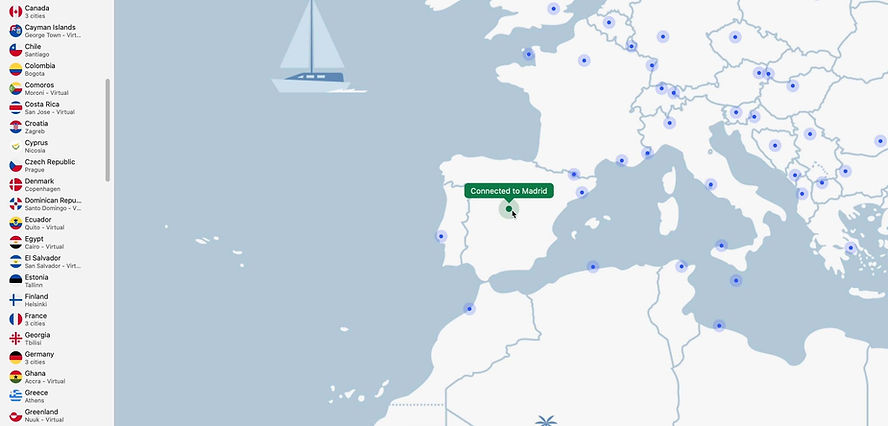
Third, the apps are straightforward to use on both mobile and desktop. The ability to switch locations with a single click is great, and NordVPN currently supports over 180 locations.
Finally, while NordVPN may not be a free VPN, it is reasonably priced. We have one subscription for multiple crew devices across the boat, making it easier to renew and manage.

Optimizing your Starlink VPN connection for the best performance#
There’s always going to be a slight “speed tax” when you run a VPN, because your data is being routed through another server before it reaches the wider internet. That extra step is what gives you privacy and security, but can also introduce a small slowdown. It’s generally only noticeable on video calls, streaming, or large uploads, but can be more apparent with a satellite internet connection which already has more latency than something like fiber-optic.
I’ve found that the best way to manage this is to be intentional with your server choice. If we just want general security, we pick a server that is geographically close to our ground station to keep latency low. If we need to access a specific service from Australia, we switch to a server in our home state.
FAQ#
How to set up a VPN on Starlink#
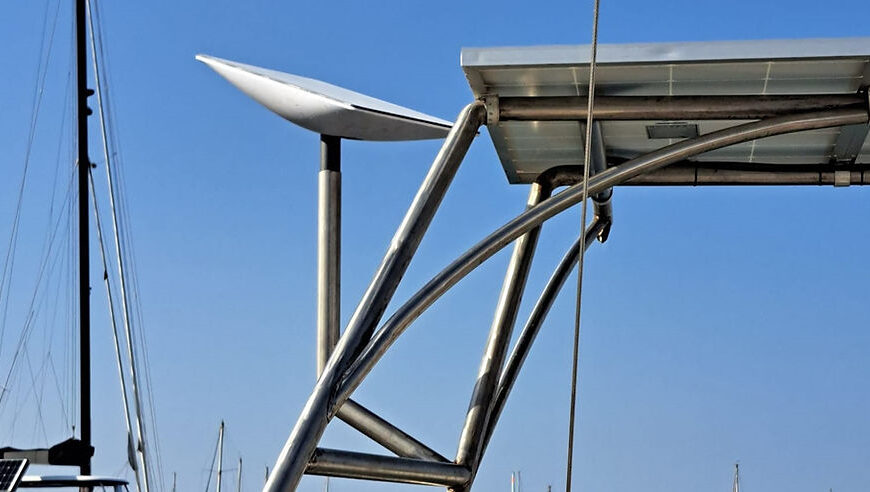
On our Starlink Mini, the router is built directly into the dish, and we don’t use an external router. This means we run our VPN at the device level rather than at the router level.
Setting it up is a quick and easy process:
- Install the app
- Sign up for a subscription
- Login to the app on the device you want to use
- Choose your VPN location to connect
This “per-device” method allows us to turn the VPN on when we’re handling banking or sensitive work, and turn it off if we need the absolute maximum speed for a large download.
Does a VPN hide my location from Starlink?#
While a VPN does make your IP address appear to be in another location, it’s not capable of fully hiding your location from Starlink themselves.
Starlink dish’s have a built-in GPS that’s used to identify the dish’s exact location for satellite communication. As a result, you can’t use a VPN to fool Starlink into thinking your Residential dish is at home, or Roam dish isn’t in a unsupported country.
Can I use a VPN to stream content from other locations?#
Yes, you can use a VPN to stream content from other locations by using it to hide your IP address. Just be aware it may violate the terms of service, and some streaming platforms can detect certain VPNs. For example, Amazon Prime Video won’t work if it detects your network is running a VPN. The main way around this is to use a high-quality paid VPN, as they’re more likely to be updating their servers and tech.

One of the creators behind Travel Sketch, Telicia lives full-time aboard SV Liger. She’s a freelance writer who’s worked with a range of international companies, and serves as social media coordinator and magazine editor for noforeignland. With the Med and Caribbean done, she’s charting a course through the Pacific and Asia.





Leave a Reply